

Configuring Webhooks
1
Go to the XSDR Dashboard and click Manage webhooks
2
Click Add Endpoint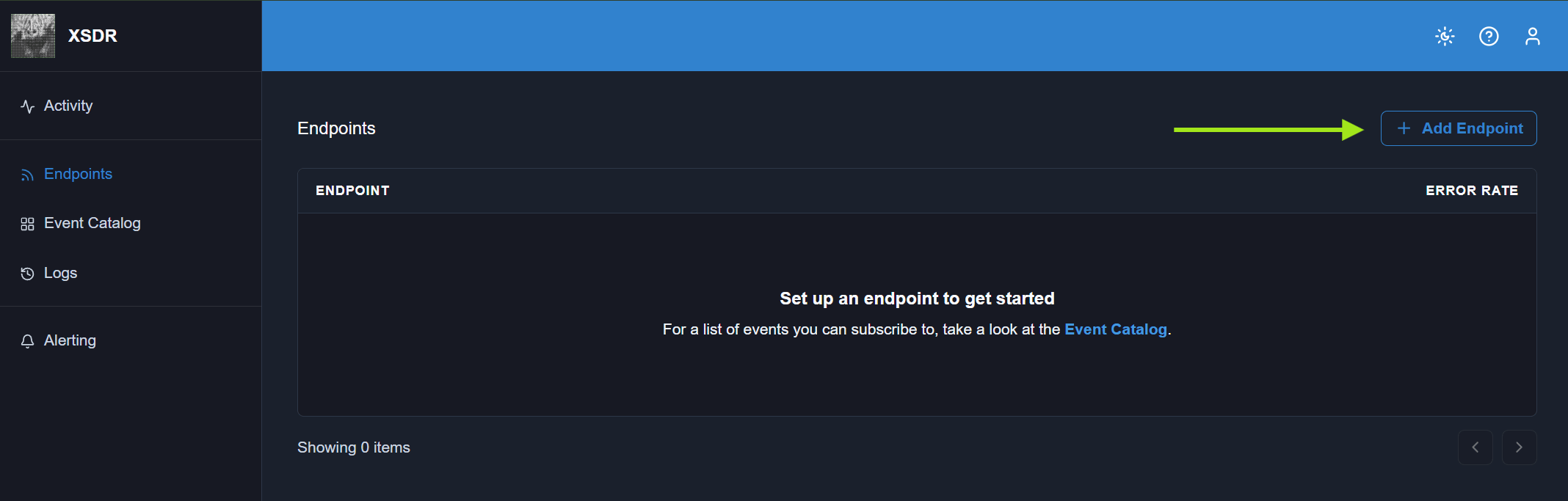
3
Add your app or agent’s webhook URL. This is where we’ll send webhook events.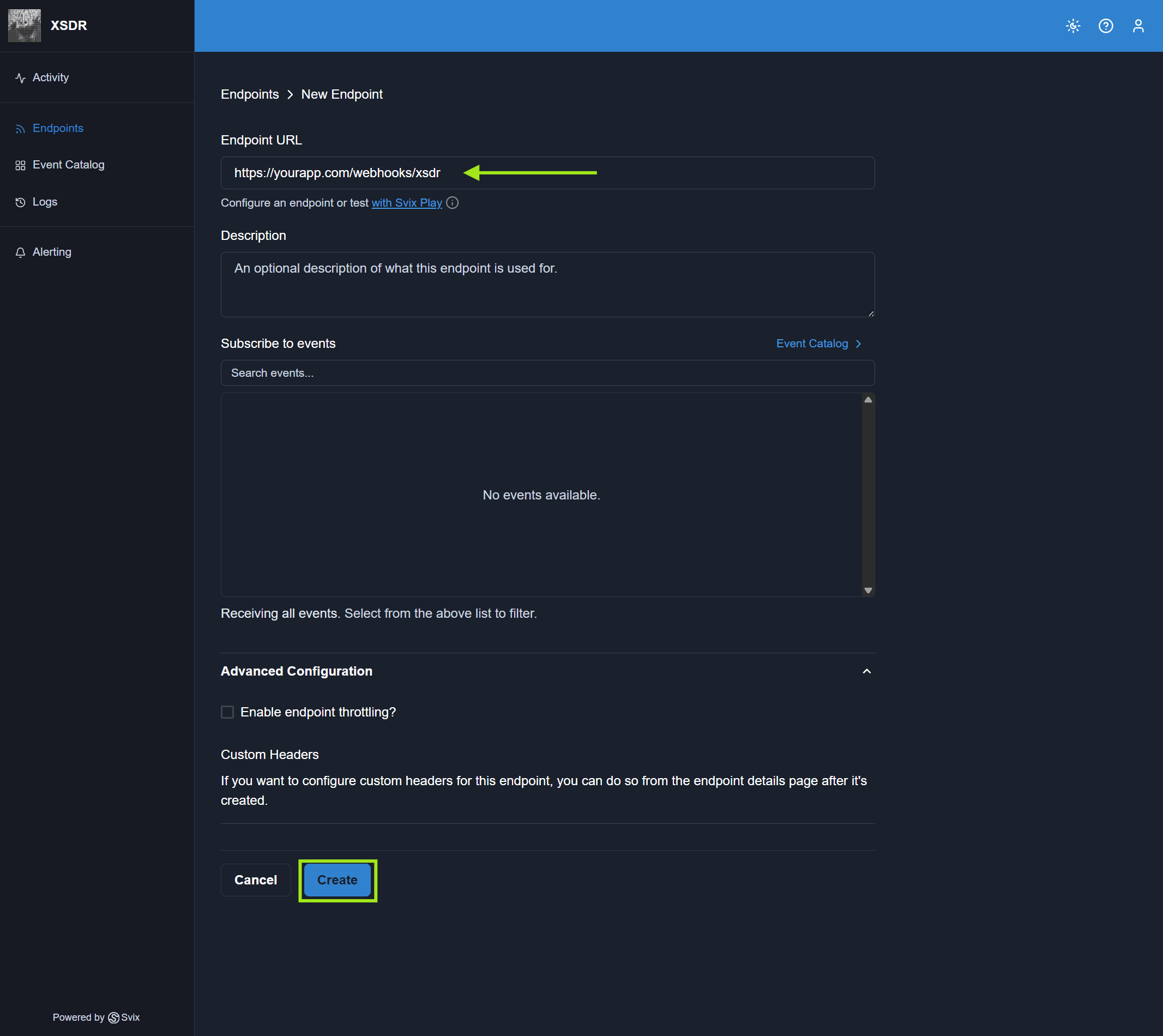
Your webhook must be configured to receive POST requests.
Security
You should always verify that a webhook event came from XSDR to protect yourself from attackers and spoofers. When XSDR sends a webhook event, Svix signs the payload using your endpoint’s webhook secret. The signature includes:svix-idsvix-timestampsvix-signature
Automatic Retries
If your endpoint fails to receive a webhook event, we will retry based on the following schedule, where each period is started following the failure of the preceding attempt:- Immediately
- 5 seconds
- 5 minutes
- 30 minutes
- 2 hours
- 5 hours
- 10 hours
- 10 hours (in addition to the previous)
If all attempts to a specific endpoint fail for a period of 5 days, the endpoint will be disabled. The clock only starts after multiple deliveries failed within a 24 hour span, with at least 12 hours difference between the first and the last failure.